
- Select your photo by tapping the photo.
- Tap the pencil edit icon in the upper left.
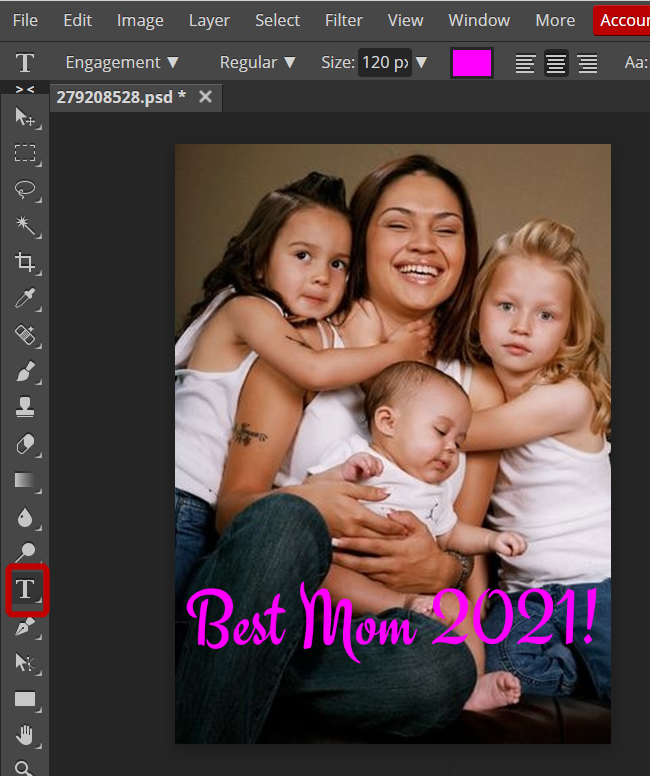
- Tap the T icon in the editing menu.
- Choose your font, size, color and shape.
- Add and position your text.
- Tap the check button and choose File / Save. You will keep your original, and save another photo with text.
Step-by-Step Procedure for Adding Text to Photos

 Getting more out of dotPhoto